
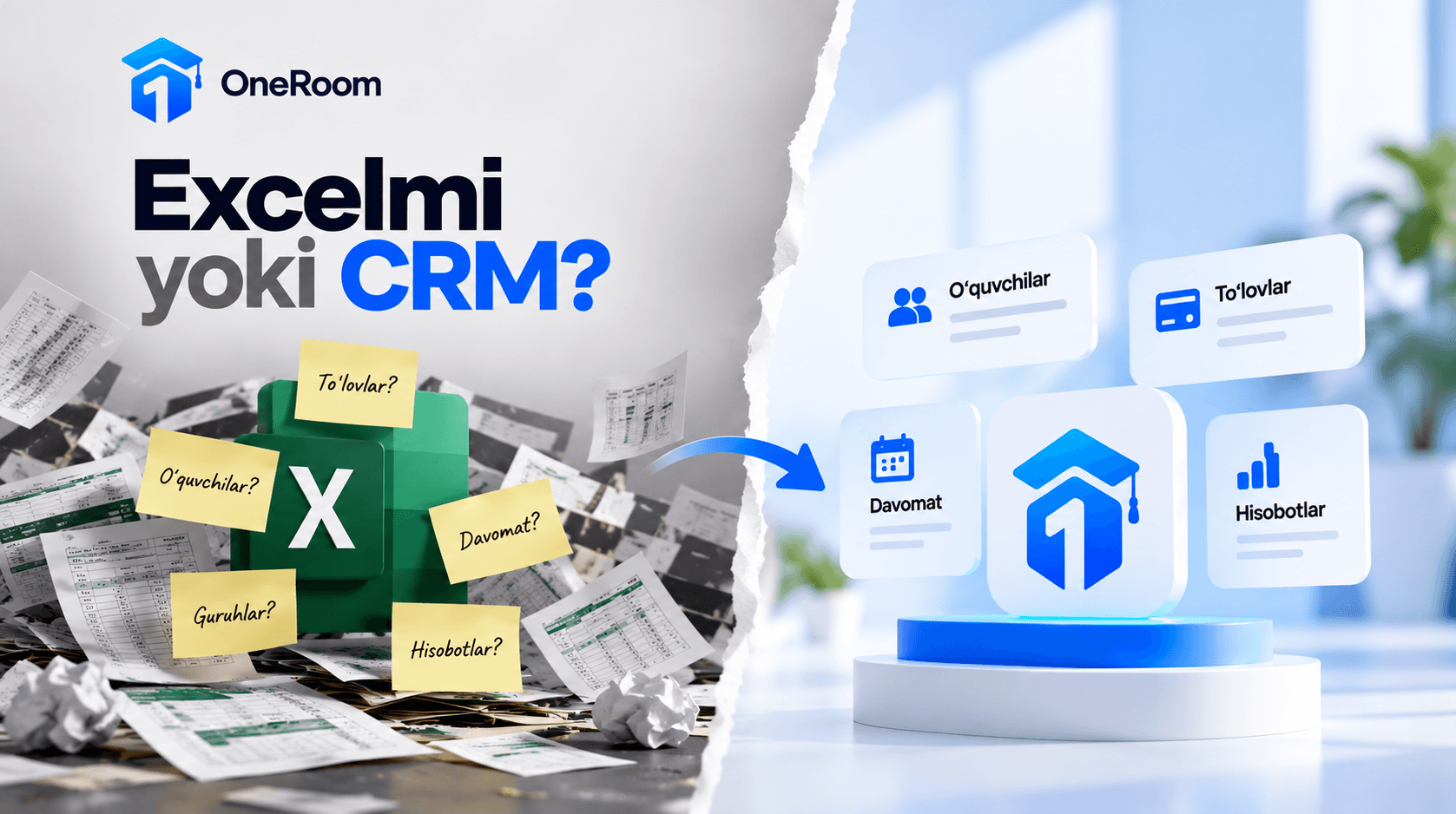
Base the decision to move from Excel to a CRM on how everyday work runs, rather than student numbers alone. If staff repeatedly copy payments, attendance and inquiries between records, reconcile conflicting figures or search for the person responsible, it is worth trying a shared system. If your spreadsheets are clear, staff can work independently and reports arrive on time, Excel may still be sufficient.
Imagine an evening administrator moves a student to another group. The next morning, a colleague calls the student using the old list. The payment spreadsheet shows the new group, while the attendance register still shows the old one. Each record makes sense on its own, but they no longer agree.
The useful question here is not which software is popular. It is why one change requires three manual updates. That is where this comparison begins.
When Is Excel Enough for a Learning Center?
Excel is useful for lists, formula-based calculations and analysis. You can adapt a workbook to your center: one sheet for groups, another for payments and a third for payroll calculations.
Keeping that approach can make sense when everyone knows where to enter data, there is one main file, someone maintains the formulas and a staff change does not interrupt work. The manager should not have to investigate every figure separately.
It is also inaccurate to say that multiple people cannot work in Excel at the same time. Supported versions allow co-authoring of files stored in OneDrive or SharePoint Online, with access to previous versions. The requirements are explained in Microsoft’s co-authoring guide.
If conflicting copies are the only problem, a shared file, suitable permissions and clear procedures may be enough. The need for a CRM becomes more apparent when records need to be connected and tasks need to be tracked.
How Does a CRM Differ from Excel?
CRM means customer relationship management. A CRM adapted to a learning center helps connect inquiries, students, groups and payments. Attendance, payroll and messaging features depend on the product.
In Excel, the person who designs the workbook usually creates and maintains its working logic. A CRM includes some of these processes in the software. You still need to check whether they fit your center’s rules.
| Everyday task | How it is handled in Excel | What to check in a CRM |
|---|---|---|
| Moving a student to another group | Update linked tables or the relevant sheets | How are history and subsequent charges handled? |
| Finding the remaining balance | Calculate from entered amounts, formulas and periods | Can staff explain the payment, discount and balance? |
| Following up on an inquiry | Track dates, owners and statuses in columns | Can staff see today’s tasks in one place? |
| Reporting attendance | Collect information from registers or sheets | Does the teacher’s entry reach the required report? |
| Managing staff access | Configure file access and editing procedures | Are data and actions separated by role? |
| Reporting to the manager | Prepare formulas, filters or pivot tables | Does the report follow the center’s calculation rules? |
The CRM column contains evaluation criteria, not promises about every product. Incorrect or late entries will also affect the reports produced by a system.
Where Does the Need for a System Become Visible?
One sign is that a single task creates several additional manual steps. A student pays, and the administrator records the amount in a register, Excel and a separate list for the manager. A correction then needs three updates too. It matters which record is authoritative and when the entries are reconciled.
Another situation is when only one employee can explain a record. If the reason for a discount or outstanding balance exists only in the administrator’s memory, handing over work becomes difficult. Start by recording explanations, then evaluate a system that can connect them to the student and payment history.
A third sign is that collecting figures takes more effort than using them. To find today’s receipts, active student numbers or available places, the manager waits for several people. If the report is not ready when a decision is needed, the process deserves attention.
The next step can also disappear when handling inquiries. Someone receives an answer about pricing, but nobody records who should follow up or when. A contact list alone does not mean the work is being tracked.
A single incident does not require an immediate software change. First distinguish the cause: is a procedure missing, is an agreed procedure not being followed, or does the current tool make the task unnecessarily complicated? A CRM is worth testing to address the third problem and support an agreed way of working.
What Should You Measure for a Week?
The manager and administrator can use this table for one week. Record observed situations rather than estimates. If the week does not include month-end work, repeat the check during that period.
| Work to observe | What to record | Question at the end of the week |
|---|---|---|
| Entering the same data again | The data, number of destinations and time spent | Which record should only need one entry? |
| Investigating discrepancies | Cause, person involved and time spent | Was the issue a formula, a rule or an entry? |
| Preparing a report | When requested and when completed | Did the manager receive it when needed? |
| Handing over work | Missing information or explanations | Could the colleague continue independently? |
| Following up on an inquiry | Planned date, owner and actual outcome | Is the reason for any delay clear? |
This turns a general observation such as “The administrator is busy” into a specific task, such as reducing duplicate payment entry. Test the system against that task.
When assessing CRM costs, include setup, data preparation, training and daily use as well as the subscription. The current approach also requires work to maintain files and investigate errors.
For a hypothetical example, suppose duplicate entry and reconciliation take 25 minutes a day. Over 24 working days, that is 600 minutes, or 10 hours. It does not mean a CRM will save all 10 hours. Measure the same work during a trial to establish a comparison. Nor should freed-up time automatically count as cash profit: what staff do with that time matters.
When Should You Keep Excel, and When Should You Try a CRM?
If records are updated on time, calculations are easy to explain and work can be handed over without difficulty, continuing with Excel is reasonable. You do not need to move everything today for a possible future need.
If repeated entry, reconciliation and report assembly continue even after introducing a shared file and clear procedures, try a CRM on a small scale. Choose one group or one process, and compare results under the same conditions.
Define success before the trial: can the administrator explain a balance without calling a colleague, does the manager receive a report on time, and is the next action on an inquiry visible? Evaluate whether the task is completed, not just whether the screen looks convenient.
If you have started evaluating products, these 12 questions to ask when choosing a CRM for a learning center will help structure your demo.
Frequently Asked Questions
How many students make a CRM necessary? There is no single threshold for every center. Groups, payment rules, staff responsibilities and work across branches also matter. Base the decision on repeated administrative work and the need for oversight.
Are CRM and LMS the same thing? CRM primarily concerns inquiries and customer relationships. An LMS manages learning processes and educational materials. A platform can combine both. Assess how it handles your tasks rather than relying on the label.
Do you have to stop using Excel entirely? No. You can keep it for separate analysis and planning. But define the main source for daily payments and student status, or records in two places may diverge again.
How long does migration from Excel take? That depends on column structure, duplicates, opening balances and the system’s import capabilities. Test a small sample first to estimate the work involved; a single deadline for every center would be misleading.
Test One of Your Center’s Processes in OneRoom
Once you understand the problem, a demo becomes more useful. Instead of asking to see a CRM, you might begin with: “When administrators change shifts, it is difficult to establish a student’s group and payment status.”
OneRoom LMS and CRM brings together work with students, groups, payments, attendance and reports for learning centers. If reconciliation took the most time in your observations, start with the payment management process.
Prepare a sample situation: a student changes groups and makes a partial payment. Let the administrator handle it in the system, then have the manager check where the result appears. This helps you evaluate a real task rather than a list of features.
Request a OneRoom demo built around your center’s processes. Explain which task takes too much time, and base your decision on how that task works in practice.
Let's go through it with your center as the example.
Which process do you want to put in order? Leave a request for a demo.